
This post may contain affiliate links. Please read our disclosure policy.

Have you ever come home from the grocery store, unpacked all your ingredients, and then completely forgotten what you were planning to cook? I know I have!
A reader recently sent me this great question:
“I am having difficulty with meal planning. I can find meals I want to cook and then I make a grocery list. I come home and put all the food away. Then I forget what I planned. I cannot find a proper way to write this down so I can use it. It sounds silly and yet it should not be so difficult. What am I doing wrong?”
Sound familiar? You’re not alone. It’s frustrating to buy all the right foods and then lose track of your plan. Over the years I’ve tested lots of ways to keep my meal plan ideas organized — and readers have shared dozens more creative solutions.
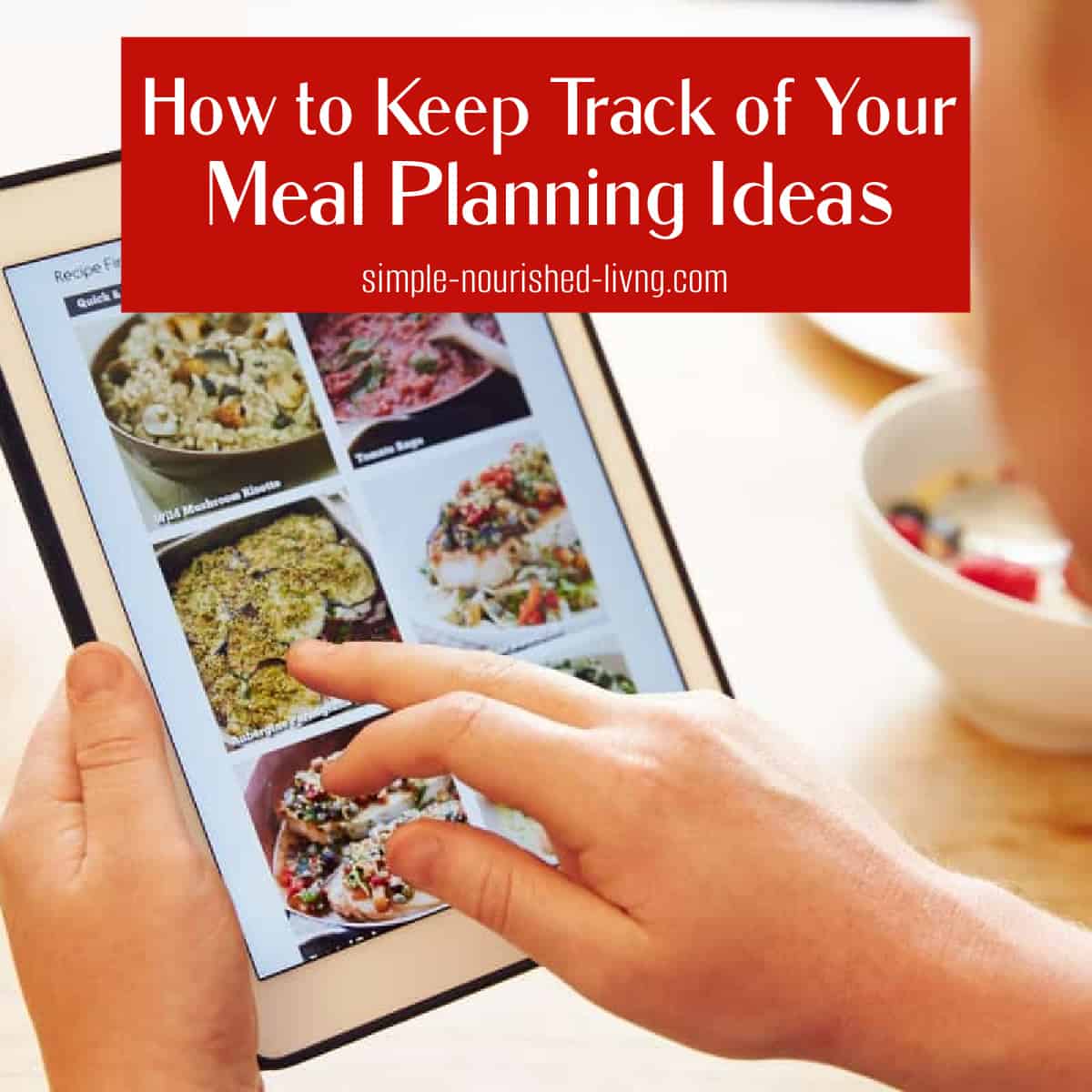
Why Meal Planning Matters
Meal planning is one of the best tools for staying on track with healthy eating and lasting weight loss. It saves time, reduces food waste, and helps you make the most of what you already have in your fridge and pantry.
If you struggle to stay consistent, it’s not because you’re doing something wrong — it’s simply about finding a system that works for you.
My Favorite Simple Strategies
Here are a few things that have worked well for me:
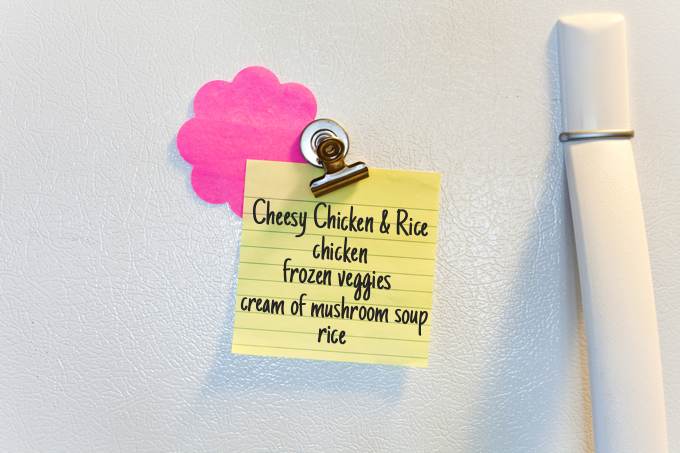
- Sticky Note System
I jot down recipes I plan to make on a big yellow sticky note and keep it on the fridge. Something simple like:- Slow Cooker Cabbage Bean Soup – Simple Nourished Living website
- Bacon Tomato Cheddar Frittata – Comfort Food Favorites eCookbook page 9
- Trisha Yearwood Orzo Salad Made Lighter – Simple Nourished Living website
- Print & File Recipes
When I find a recipe I want to try, I’ll print it and tuck it into a file folder on my kitchen counter. That way, everything is in one place and easy to grab at dinnertime.
These low-tech methods may seem basic, but they work because they’re quick and visible.
Reader Tips That Work
Our Simple Nourished Living community shared so many clever ideas for keeping meal plans organized. Here are some highlights:
Paper & Whiteboard Systems
- Plan menus on a weekly whiteboard or dry-erase calendar in the kitchen (Kathryn, Nancy, Ashley).
- Use a notebook or planner to jot down meals and recipe sources (Donna, Robin, Mary Ann).
- Write weekly menus on paper and clip the recipes to the plan so nothing gets lost (Esta, Kristi B).
Digital Apps & Tools
- Save recipes and meal plans in apps like Paprika (Jill) or AnyList (Lynn K).
- Use the Notes app on your phone to record meals, recipes, and grocery lists all in one place (Avrial, Denise).
- Organize weekly recipes in a dedicated computer folder (Rebecca) or Excel sheet (Caitlin).
- Try CopyMeThat, which lets you capture recipes from any website and turn them into a meal plan with grocery lists (Karen Clark, Nancy).
Pinterest & Online Organizers
- Create a private Pinterest board titled “This Week’s Meals” or “What’s for Dinner” and move recipes in and out as you use them (Belinda, Ramona, Rachel, Melissa).
- Save favorite recipes to permanent boards so you don’t lose them in the shuffle.
Creative Color-Coding & Binders
- Use colored pens to match grocery items with specific meals (Marie).
- Keep loose recipes in a binder, pull out the ones you plan to cook, and keep them on the fridge with a magnetic clip (Barbara, Susan).
- Tab cookbook pages with the day you plan to cook each recipe (Jan R).
There’s no “one right way” — the best system is the one you’ll actually use.
Do You Struggle With Meal Planning?
If meal planning feels like a constant challenge, you’re not alone. That’s exactly why I’ve created (and recommend) resources to make it easier:
- Slow Cook Yourself Slim eCookbook Bundle » — includes a bonus meal plan with grocery lists.
- 1-Month Meal Plan eBook » — four full weeks of WW-friendly recipes with shopping lists.
- Meal Planning Mommies 12-Week Planner » — great if you love simple print-and-go plans.
With the right system, you’ll never have to wonder what’s for dinner again.
12-week meal planner ecookbook (affiliate link) by Alisha Hughes from Meal Planning Mommies is another great option filled with easy family friendly options. Or for smaller families, you might be interested in Alisha’s Table for Two ebook (affiliate link).
More Helpful Articles for WeightWatchers
- A Comprehensive Guide to Understanding the WeightWatchers Program
- A Comprehensive List Articles & Tips for WeightWatchers
- What Foods Should I Eat in a Day on WeightWatchers
- 101 Meal Prep Tips from Successful WeightWatchers
- WeightWatchers Zero Points Foods List
- WeightWatchers Friendly Meal Plans & Menus



I use a composition notebook titled, “Menus for the Week”. I write down the dinner menus for the week. Also, I write down whether or not they’re in my spiral notebooks that contain all the recipes I love to cook or online yet to be written up because I don’t have a printer. It’s very easy if you don’t mind writing. LOL!!!
I use a Meal Planner from Amazon. On one half of the page it has a spot to list what you are planning for Breakfast, lunch and dinner. On the other half of the sheet is a grocery list with headings, Produce, frozen etc. The best part is that the grocery list is perforated so you can tear it off.
RecipeKeeper is an app that can be used across all platforms and whatever recipes you store are your own version of them and you have the ability to keep track of the source of where you got the recipe to begin with. It will keep your version of the recipe and if u want to add your own photos after you have made it you can do that too, you can change anything you like. You can add that recipe to the calendar within the app and put the day/time you plan to make it and then you can make a grocery list based on whichever days you would like to shop for…. then u just go to that day and open the recipe and you will know you have all the ingredients for it. Also when u are adding ingredients to the bowl it allows u to click on that ingredient and it will gray it out so as u go through the recipe it can be very helpful especially if there are a lot of ingredients in it. It takes that guesswork out of ohhhh shoot did I add that already? If u clicked on it then u know u had. I love it I have a small laptop in the kitchen with an enormous screen attached to it and I have a small little mouse and I can see my recipe from my kitchen aid as I’m adding ingredients and because it’s a small cordless mouse it’s so easy to just click on the next ingredient as I put it in. I just love this app…also because when I’m using my phone I can access the app on it too even though it’s an iPhone and it’s usually when I’m sitting somewhere waiting I go through Pinterest or google and find various recipes and it’s so easy to add them with the recipe keeper just by using the website address and it will come up and say recipe found! The other part that I love that is taking time but I’m slowly converting all my cookbook favourite recipes and my index card recipes and my recipes on the backs of envelopes etc…and it doesn’t require that I type them all in instead I can just take a photo of it and just show the area where the ingredients are and it will present what it found in a list and if it doesn’t interpret my printing correctly etc I have the ability make the changes before accepting them into the recipe…and even if it gets pulled in wrong I can still make whatever changes I want in edit mode. I can store my recipes in whatever type of measurement I like. Best app I have ever purchased highly recommend it! And just so you know I don’t have any affiliation with this app at all I’m just a user of it.
I may not have made it clear but the RecipeKeeper has a meal planner built into it that’s so easy to use and after you have used the meal planner say you know you want to cook at home Monday Wednesday and Thursday night next week…I just select the recipes that I want on each of those days and select the meal type. Then I can go and say make me a grocery list, I’m going shopping on Saturday and please create the list for Monday To Thursday and because nothing was filled in for lunch or breakfasts or for Tuesday they don’t worry about it they just create a list of all the ingredients you need for those recipes then u have the ability to go through the list and click on the items that you already have on hand in your pantry -!: then the ultimate list that it generates is your true grocery list. It will also tell you the quantities that you need for each ingredient. I wish I had known about this app a long time ago and even after using it just to keep track of my recipes I had no clue about the menu planner and the grocery list until recently and in my opinion it’s a huge game changer!